Register Account in quickintegrate
Jumpstart your integrations with quickintegrate to create your Service with Define, Develop, Manage, Execute, Test, Monitor your API
Open Designer
Click on the link http://designer.quickintegrate.io to open designer in browser.
Signup account
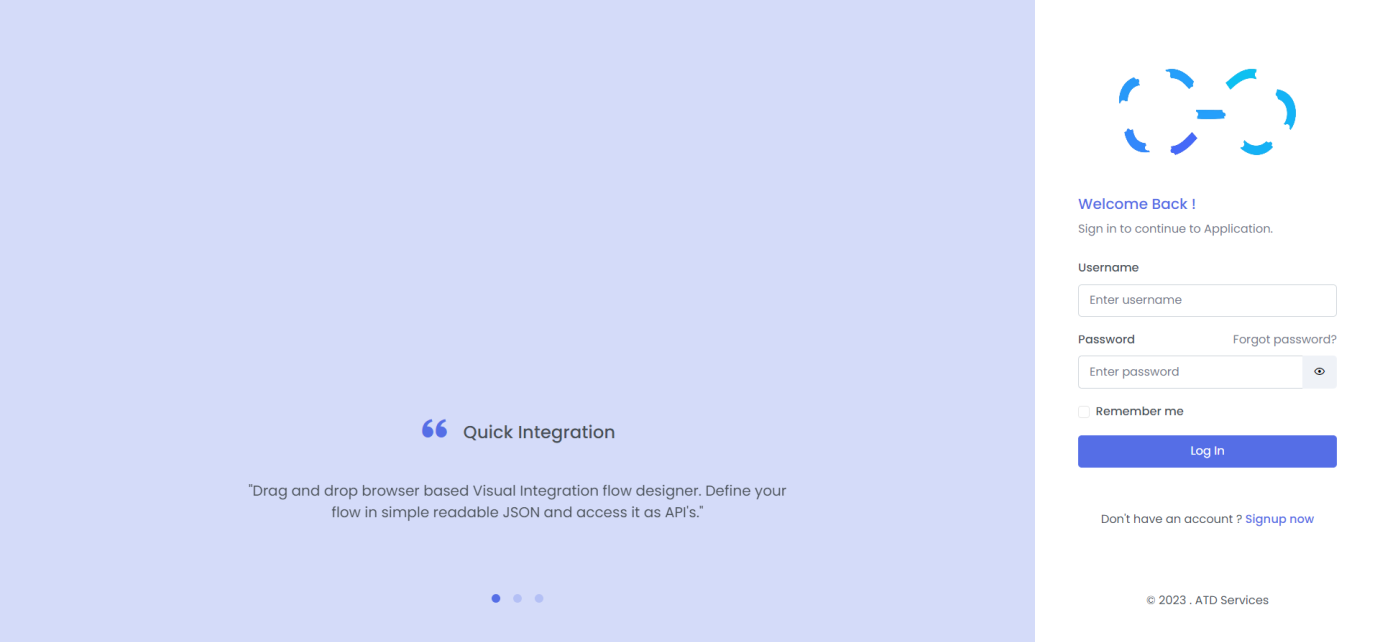
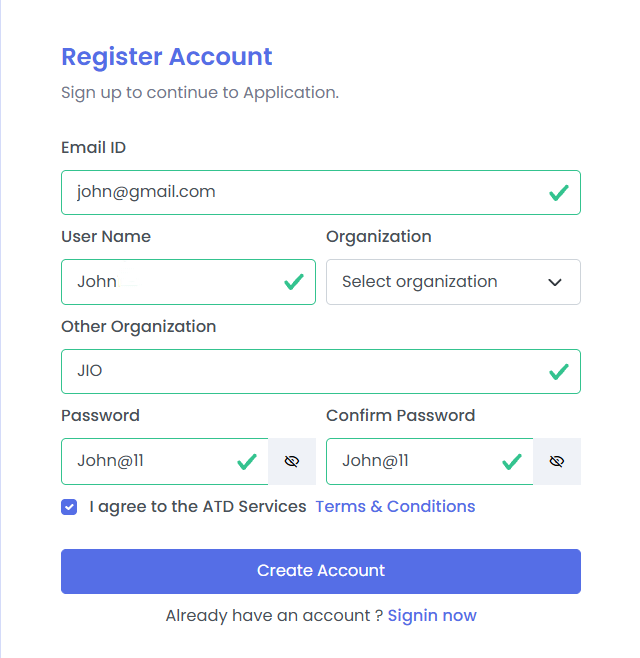
- Click on Signup now to begin.
- Provide your email address and username.
- Select your organization (or enter a new organization name if not listed).
- Provide a strong password.
- Agree to the Terms & Conditions and click Create Account.
NOTE
Password must contain at least 6 characters, 1 uppercase letter, 1 lower case letter , 1 number with no space
Email verification
After clicking Create Account, you will be automatically redirected to the Verification Pending page.
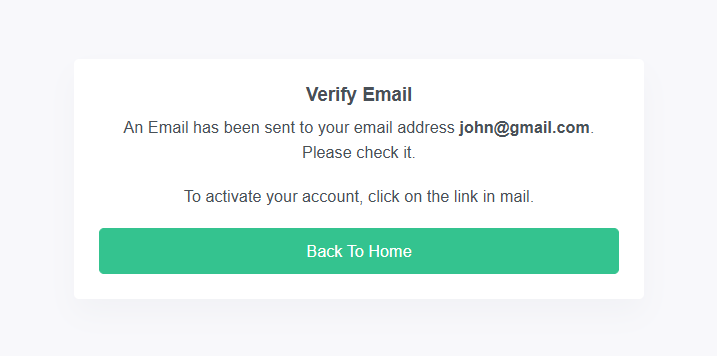
- Check your inbox : Look for an email from support@atdevservices.com.
- Verify Email : Click the "Verify Email" link inside that message to confirm your identity.
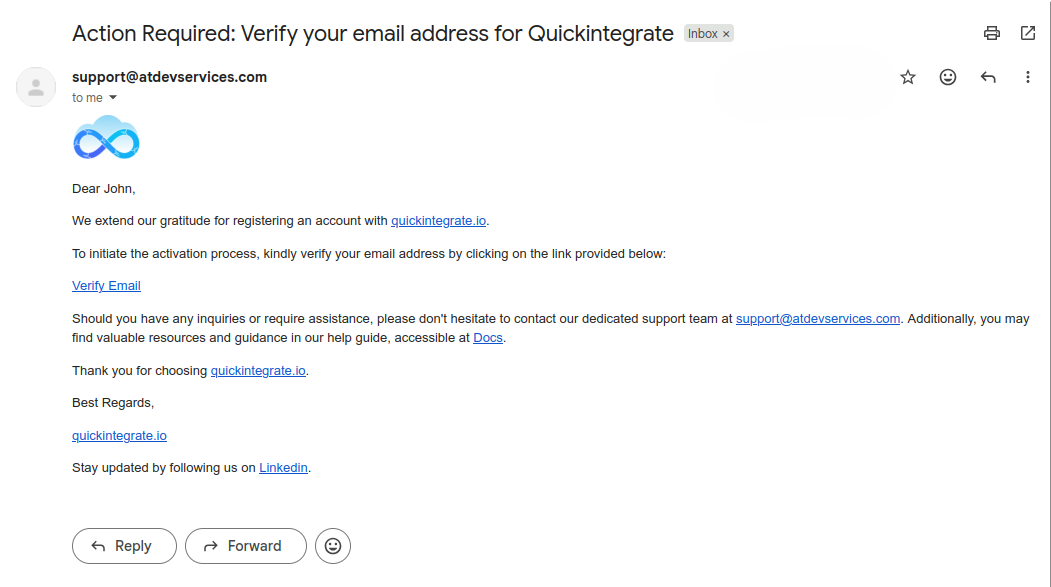
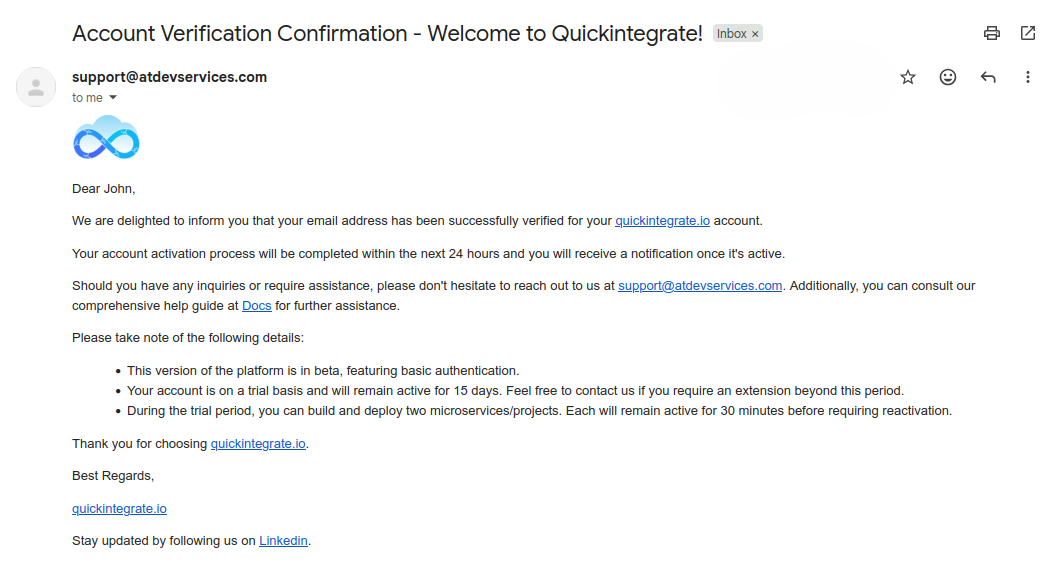
- Confirmation Email : Once verified, you will receive a confirmation email. Your account will be fully activated by our team within 24 hours.
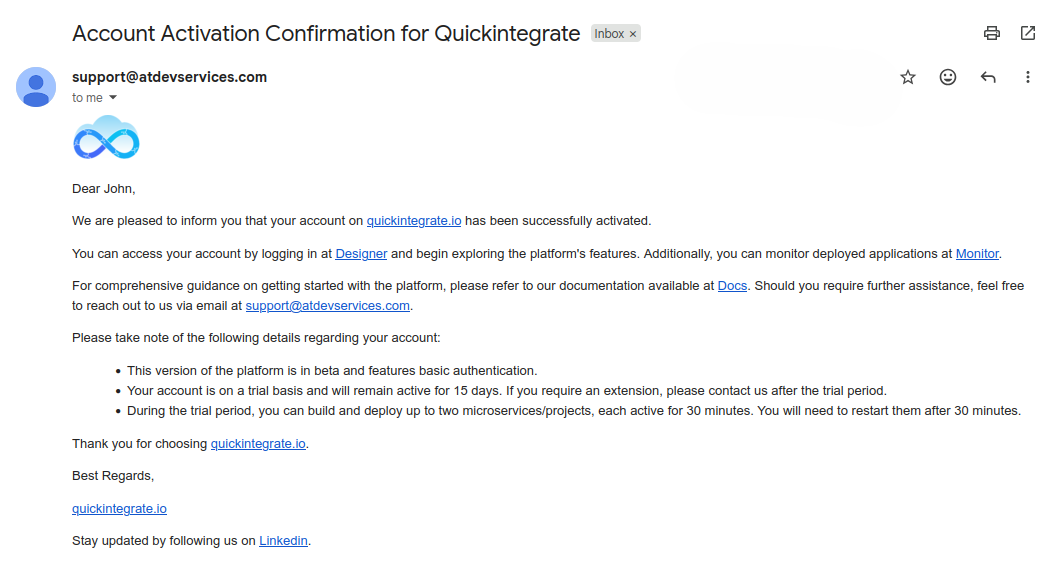
- Final Activation : Once activated, you will receive a activation email.
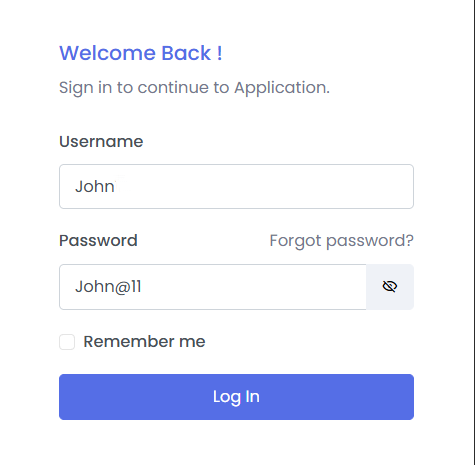
Login
Once account gets activated, you can login to your account by providing the credentials
Dashboard
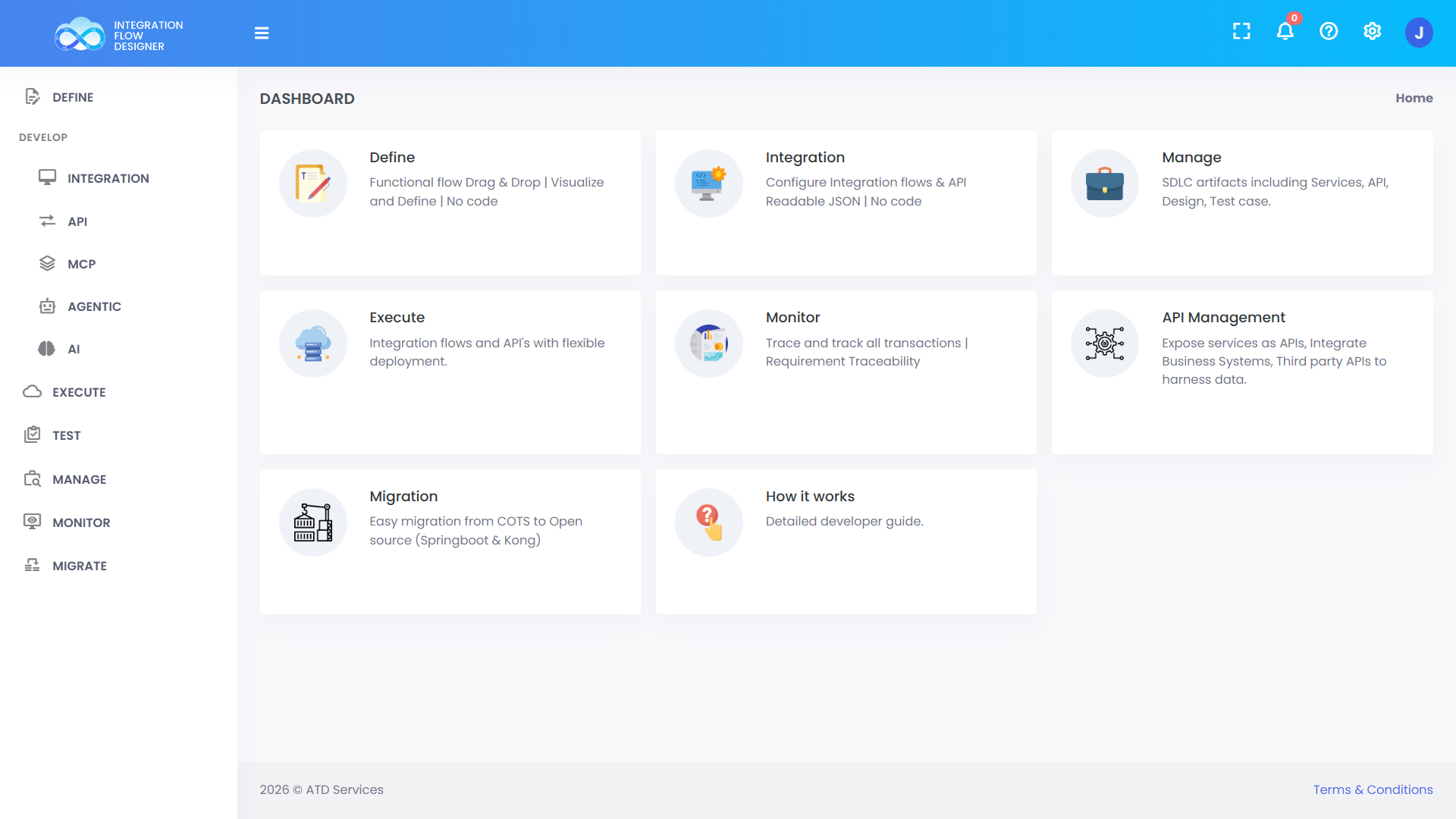
After login you’ll see the dashboard where you can use various services like design, develop, build and deploy etc. for your APIs.